A form is a short conversation about information. When something is incomplete or unexpected, the response should help the person continue that conversation. Clear feedback explains what needs attention while preserving the work they have already done.
Explain what each field needs
Use a visible label and a useful hint where the expected format is unfamiliar. Avoid making the placeholder carry the whole instruction, because it disappears during entry. Ask whether each field is needed at this stage before trying to explain a form that has become unnecessarily demanding.
Put the message beside the problem
Tell someone which information needs attention and how to correct it. A general warning at the top can be easy to miss once the person has moved further down the page. Keep the message connected to the relevant control and make the affected field recognisable.
Preserve the information already supplied
A failed attempt should not casually clear the rest of the form. Consider what happens when someone returns from another step or closes a dialog. Review these transitions with realistic information so the experience does not ask the person to repeat effort without a clear reason.
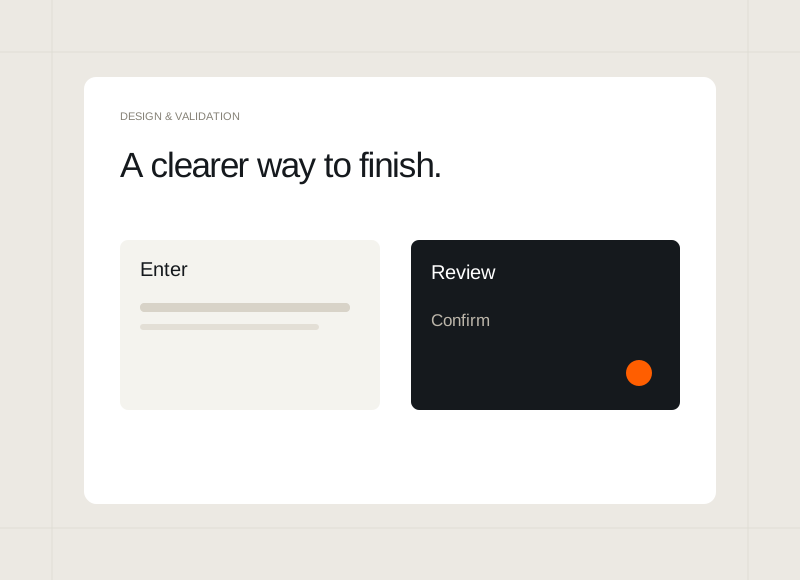
Make the final state explicit
Explain whether the information has been saved, prepared, or sent, and what happens next. If a service is not connected in a preview, say so within that flow. A helpful finish reflects the actual behaviour rather than showing an optimistic message that leaves the person with the wrong expectation.