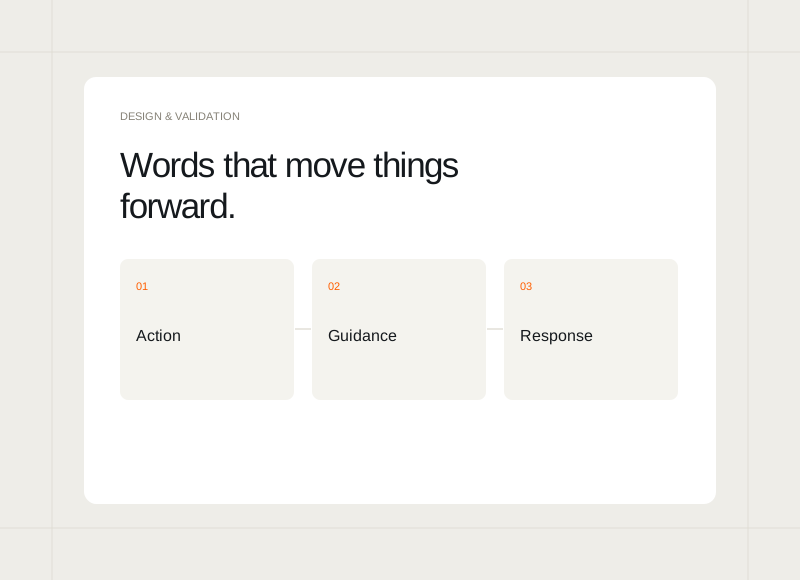
A button label, a field hint, or a confirmation message can change how clearly someone understands a task. These words work best when written alongside the interaction. Treating them as part of the design helps the experience remain coherent beyond the ideal screenshot.
Name the action specifically
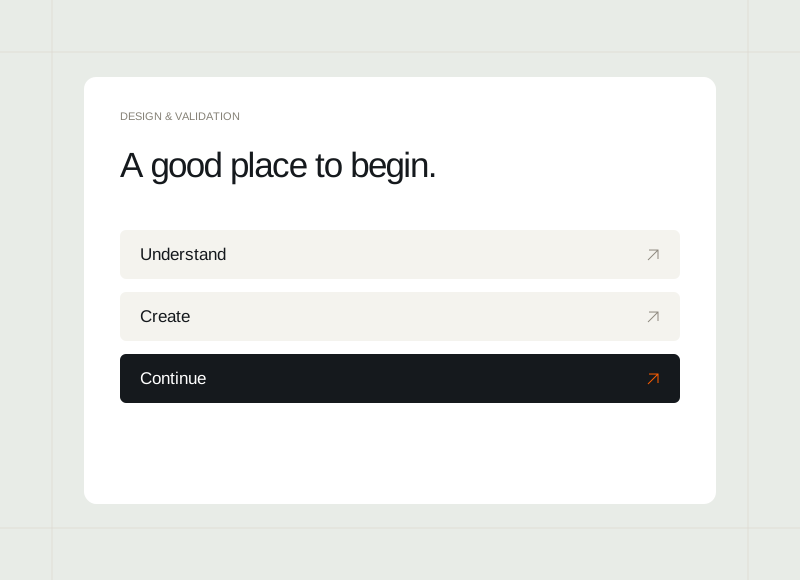
Describe what the control will do in the current context. A generic “Continue” may be suitable within a clear sequence, but it can be vague when someone is about to send, save, or remove something. Check whether the label sets a fair expectation of the result.
Put help beside the uncertainty
Explain unfamiliar information near the field or decision that needs it. Keep the wording short and concrete. If a person must leave the task to understand an ordinary requirement, consider whether the requirement or the structure can be made clearer as well.
Describe results honestly
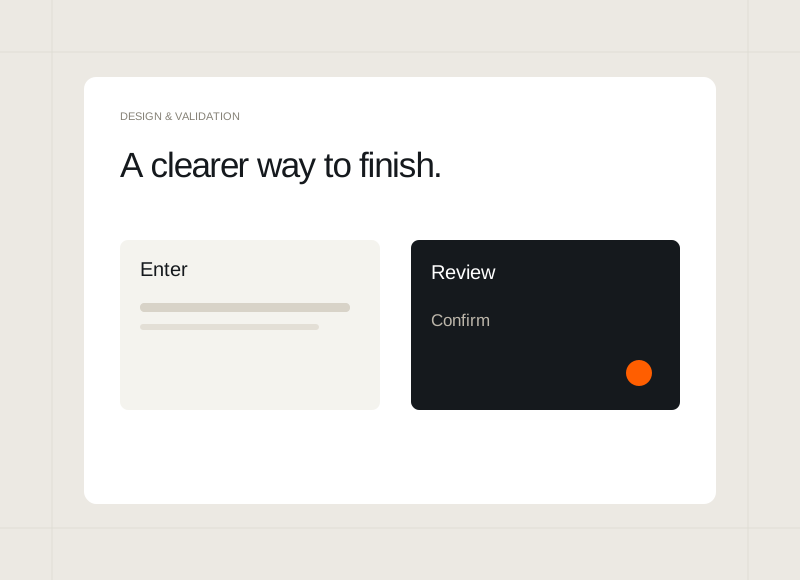
A confirmation should reflect what actually happened. Saving a draft, preparing a request, and sending a message are different outcomes. Explain the next step where needed so someone is not left assuming that an action has completed a process that still requires their attention.
Read the whole journey aloud
Review the words from the entry point to the final state. Look for labels that change meaning, repeated instructions, or a tone that becomes abrupt when something goes wrong. Revise the sequence as a conversation about a real task rather than a collection of isolated phrases.